
Firefox:
i. Right click on the video and select "Open Video in New Tab". The video will open in a new tab.
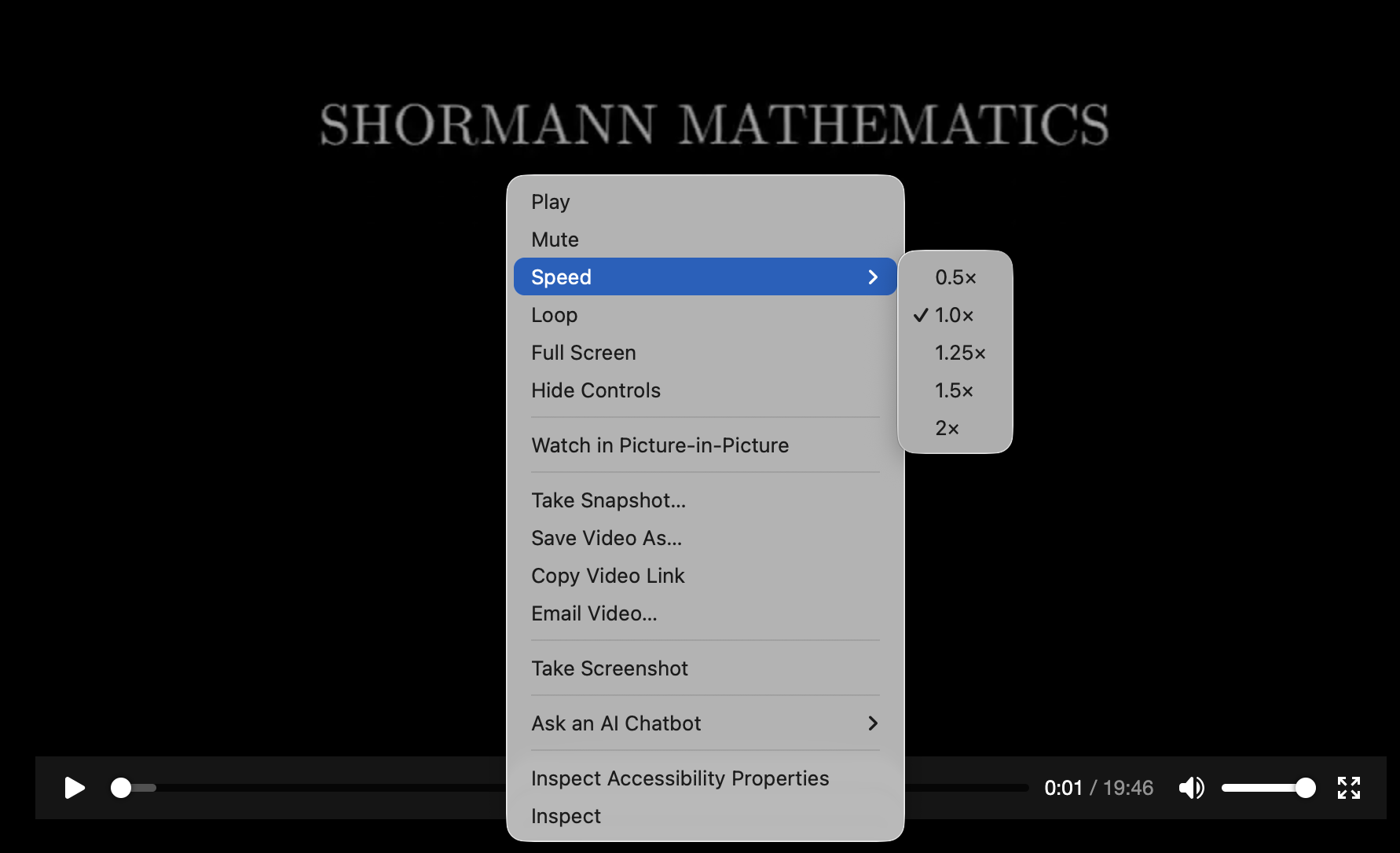
ii. Right click anywhere on the video and select "Speed".
iii. Select the Playback Speed. See the image below.
Chrome:
i. Right click on the video and select "Open Video in New Tab". The video will open in a new tab.
ii. Click the 3 dots on the lower right side of the video and select "Playback Speed".
iii. Select the Playback Speed. See the image below.

Safari:
i. Right click on the video and select "Open Video in New Tab". The video will open in a new tab.
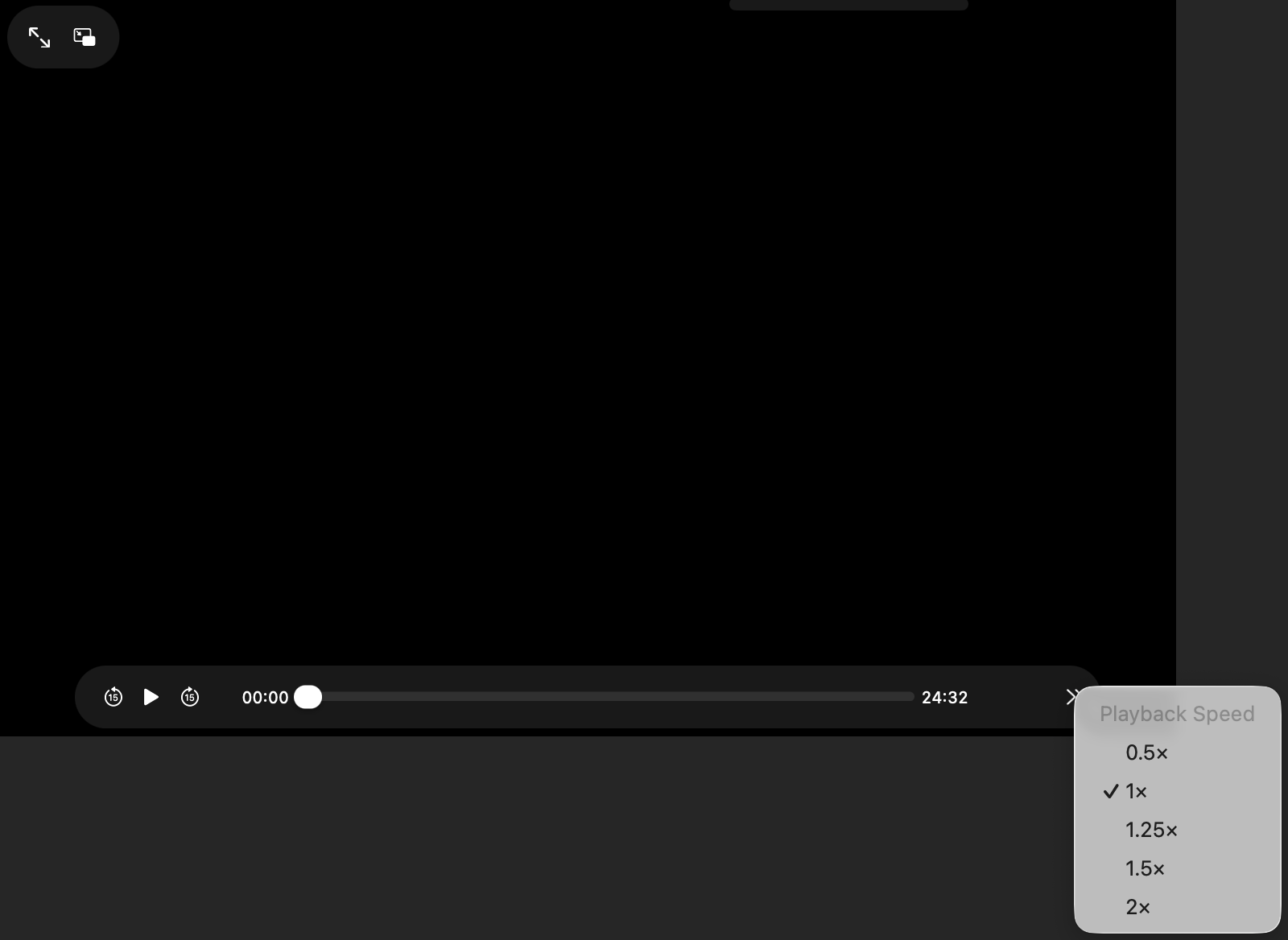
ii. Click the 2 arrows on the lower right side of the video.
iii. Select the Playback Speed. See the image below.
Need Help? support@diveintomath.com or 936- 372-6299 M-F from 8-5 CST.